Understand Modules
In GlobalAI, a module is a reusable set of steps, similar to a sub-workflow, that you can build and then call from your main workflows. Think of them as templates for common processes. Instead of rebuilding the same logic in multiple places, you can create it once as a module and integrate it wherever you need it. This practice saves time and makes large, complex Workflows much easier to manage.
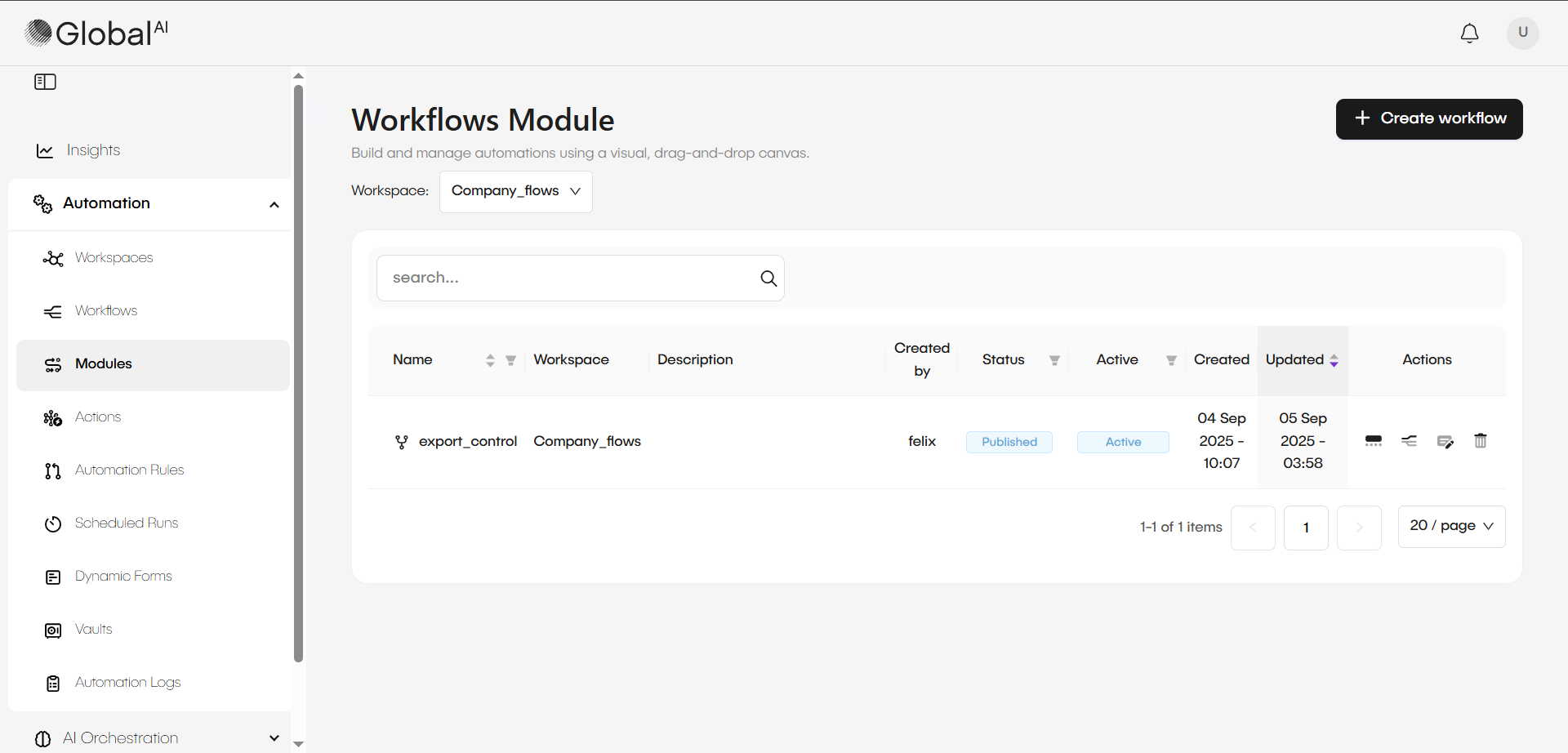
How modules work
You build a module using the same visual workflow editor that you use for a main workflow. You can add nodes, define variables, and create any logic you need. To use it, you simply add a module node to a workflow and select the module you created. The editor allows you to configure any inputs that the module requires to run.
Key characteristics of modules
- Reusable components: Modules are designed to be callable from any workflow within your workspace.
- Not standalone: A module cannot be executed on its own. It does not have its own triggers (like webhooks or schedules). It only runs when it is called from a main workflow.
- Simplifies complexity: By moving a complex, multi-step process into a module, your main workflow becomes cleaner and easier to understand. You are essentially hiding the complexity inside a single, reusable block.
Related articles
Now that you understand what modules are, you can learn about the other components used in automation.