Understand Actions
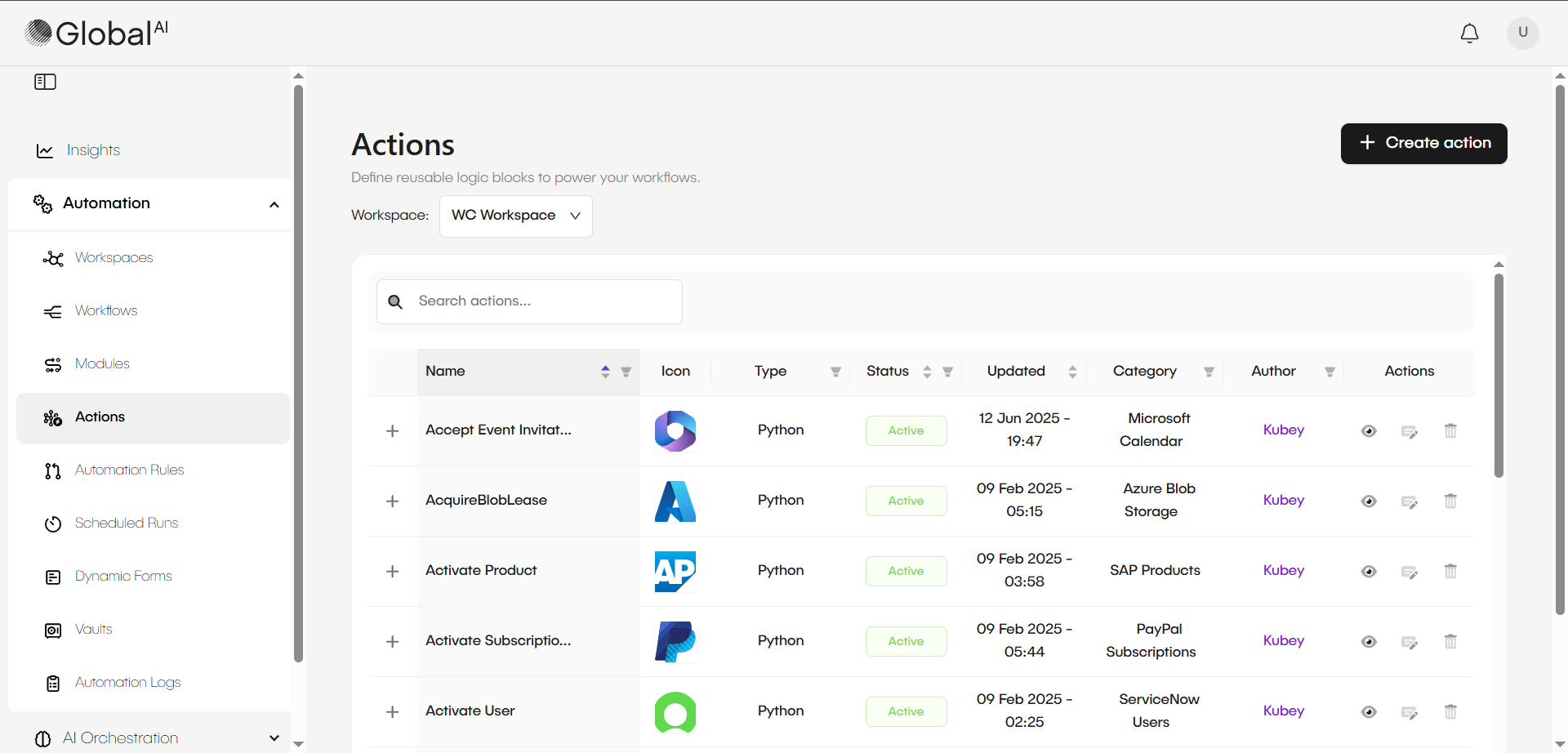
Actions are pre-built integrations that allow you to connect to and automate specific third-party applications and services. The GlobalAI platform includes over 1,400 Actions for common platforms like Salesforce, Jira, and ServiceNow.
These Actions are ready to use as building blocks inside your workflows. They allow you to perform operations, like creating a ticket or updating a user, without writing custom code.
The table below lists common applications and their Actions. To use one, select the Action and fill in its parameters.
| Application | Example Actions |
|---|---|
| ServiceNow | Get CI Details, Create CI, Update CI, Delete CI |
| Salesforce | Delete Lead, Edit Lead, List Contacts |
| HubSpot | Update User, Create User, Create Ticket |
| Jira | Get Issue, Link Issues, Create User |
| Amazon Web Services | EC2: CreateInstance, S3: Create Bucket, Lambda: CreateFunction |
| GitHub | Search Repository, Check Errors |
| OpenAI | Modify Project, Archive Project, List Projects, Create Project |
| Stripe | List Products, Core Resources, Billing |
Use Actions in a Workflow
Pre-defined Actions are added to a workflow and configured using a simple parameter form. This form allows for entering task-specific variables, like a username, API key, or server address.
Creating reusable Actions is possible from any configured Activity. After configuring a script in an Activity node (like Bash or Python), the save as Action feature saves the script as a global action. This makes the script available as a pre-defined template for reuse in different workflows.
Related articles
Now that you are familiar with Actions, you can learn more about workflows.